
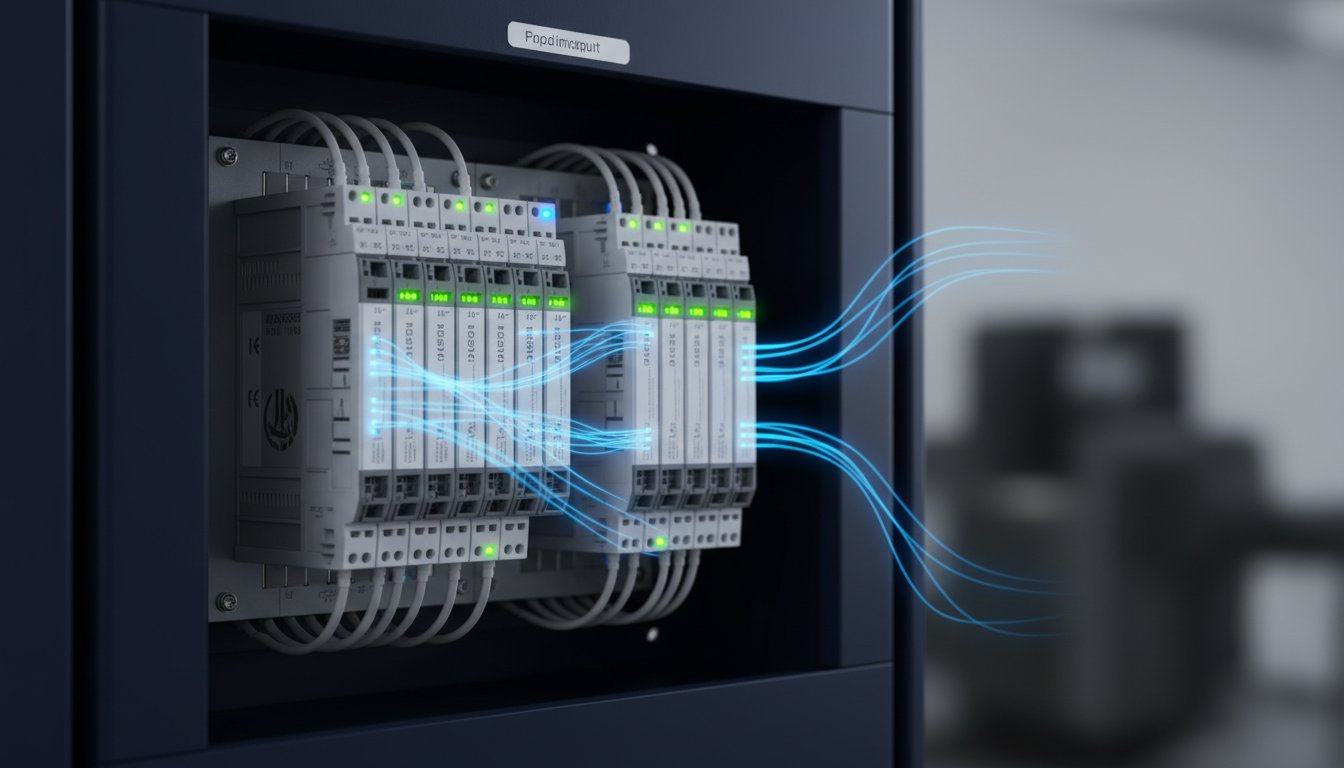
Struggling with PLC I/O? Unsure how to expand your control system or what module to select for your PLC rack or i/o drawer? Choosing incompatible parts is a costly mistake, leading to project delays and budget overruns. You need direct answers, not complex theory. This guide delivers exactly that.
We break down everything you need to know. Understand the core function of inputs and outputs. See the critical differences between digital, analog, local, and remote I/O. Learn how to confidently select the correct modules for any application. Stop the guesswork and start specifying the right components for your project. Get the job done right and find all the PLC I/O you need at the best prices in Australia.
Key Takeaways
- PLC I/O is the essential bridge between your controller and your equipment. Master the fundamentals to gain full control of your system.
- Identify the core hardware of your system, from individual modules to a complete i/o drawer, to spec the right parts for any job.
- Never get stuck with limited I/O again. Learn the differences between local, expansion, and remote I/O to scale any automation project.
- Get a practical checklist for selecting the correct I/O modules, starting with PLC compatibility to avoid costly errors and downtime.
The Fundamentals: What is PLC I/O and Why Does It Matter?
In any industrial automation system, I/O-or Input/Output-is the essential bridge between the control system and the real-world machinery it commands. The best way to understand it is with a simple analogy: think of the Programmable logic controller (PLC) as the brain of your operation. The I/O system acts as its senses and hands.
- Inputs (I) are the senses. They receive signals and data from the factory floor, collecting information from devices like sensors, switches, and pushbuttons.
- Outputs (O) are the actions. They send commands from the PLC to control devices like motors, valves, lights, and actuators, making things happen.
A robust and well-organised I/O system is critical for operational reliability. All these connection points, modules, and wiring need a secure home, which is often a dedicated control panel or a specialised i/o drawer designed for easy access and maintenance.
Digital vs. Analog I/O: The Two Core Signal Types
Digital I/O, also known as discrete I/O, handles simple ON or OFF signals. It is a binary state: either voltage is present (ON) or it is not (OFF), just like a standard light switch. This is used for straightforward status checks and commands.
- Common Digital Inputs: Proximity sensors, limit switches, operator pushbuttons.
- Common Digital Outputs: Indicator lamps, relays, motor starters.
Analog I/O: Measuring a Range of Values
Analog I/O manages variable signals that represent a range of values, not just on or off. Think of a light dimmer or a car’s accelerator-it provides proportional control. This is essential for processes requiring precision and measurement.
- Common Analog Inputs: Pressure transmitters, temperature sensors (RTDs/Thermocouples), level sensors.
- Common Analog Outputs: Proportional control valves, Variable Frequency Drives (VFDs) to adjust motor speed.
Understanding these signal types is the first step in specifying the correct hardware for your system. The right mix of I/O modules, properly terminated and protected within an enclosure or i/o drawer, forms the backbone of any reliable automation process.
Anatomy of an I/O System: Modules, Racks, and Drawers
A modern Programmable Logic Controller (PLC) system is built from several core hardware components designed for performance and flexibility. At its heart is the main PLC chassis or rack, a backplane that houses the central processing unit (CPU) and provides slots for various I/O modules to plug into. These modules are the physical interface to your machinery-the eyes, ears, and hands of the controller.
All communication between the I/O modules and the CPU happens at high speed across this backplane. Leading systems from major brands like Allen-Bradley’s ControlLogix or Siemens’ SIMATIC are built on this powerful modular principle, giving you the ability to build a control system precisely for your needs.
What is an I/O Drawer or Expansion Rack?
An i/o drawer is a common term for a chassis used specifically to expand the I/O capacity of a main PLC system. Think of it as a self-contained unit, often in a separate enclosure, that holds additional I/O modules. It connects back to the primary PLC rack via a communication cable, effectively extending the system’s backplane and capabilities. While more formal terms like ‘expansion rack’ or ‘remote I/O chassis’ are widely used, the function is the same: add more inputs and outputs without replacing the entire controller.
Common Types of I/O Modules
The strength of a modular system is choosing the exact I/O you need. We stock a huge range of modules at the best prices to get your plant running. Common types include:
- Digital Input/Output (DI/DO): For simple on/off signals. Available in DC (e.g., 24VDC) and AC (e.g., 240VAC) versions to handle signals from sensors, push buttons, and contactors.
- Analog Input/Output (AI/AO): For variable signals like pressure, temperature, or motor speed. These typically handle 4-20mA current or 0-10V voltage signals for precise control.
- Specialty Modules: For specific, high-performance tasks like high-speed counting from encoders, direct temperature measurement (RTD & Thermocouple modules), or connecting to other networks (e.g., DeviceNet, PROFIBUS, EtherNet/IP).
Fixed vs. Modular PLC I/O
Not all PLCs are built the same. Understanding the difference is key to getting the right hardware at the right price.
Fixed I/O is typically found in micro and compact PLCs, such as the Allen-Bradley Micro800 series. The I/O points are built directly into the controller unit and cannot be changed. This offers a low-cost, all-in-one solution for small, simple machines but offers zero flexibility for future expansion.
Modular I/O is the standard for most serious industrial applications. The CPU, power supply, and all I/O are separate modules that plug into a chassis. This design allows for complete customisation, easy expansion by adding an i/o drawer or another rack, and much simpler maintenance and fault-finding.

Expanding Your System: Local, Expansion, and Remote I/O
A common challenge in growing industrial systems is running out of I/O points. As you add more sensors, valves, or motors, your PLC’s initial capacity gets maxed out. Fortunately, modern PLC systems from major brands like Rockwell Automation and Siemens are designed for simple, cost-effective expansion. You don’t need to replace your entire controller; you just need to add more I/O.
There are three primary methods to expand your system, each suited for different physical layouts and budgets.
System Layout Concept:
- Local I/O: Modules are in the main PLC rack, right next to the CPU.
- Expansion I/O: A second rack is placed directly beside the main rack, connected by a short, dedicated bus cable.
- Remote I/O: I/O modules are located far away on the machine, connected back to the main PLC with a single industrial network cable (e.g., Ethernet).
Local and Expansion I/O
This is the most direct way to add I/O. Local I/O refers to the modules that reside in the same physical rack or chassis as the main CPU. When this rack is full, you can add Expansion I/O. This typically involves installing an additional rack-an expansion i/o drawer-right next to the primary one and connecting it with a short, high-speed bus extension cable. This method is the best value when the new devices you need to control are physically close to the main electrical panel.
Remote I/O (Distributed I/O)
For large machines or systems spread across a plant floor, running individual sensor and actuator wires back to a central cabinet is inefficient and expensive. Remote I/O, or Distributed I/O, solves this problem. It involves placing I/O modules out on the machine, exactly where they are needed, and connecting them back to the main PLC over a robust industrial network like EtherNet/IP, PROFINET, or Modbus TCP.
This is the industry standard for modern, large-scale automation for several key reasons:
- Reduced Wiring Costs: A single Ethernet cable replaces dozens or even hundreds of individual copper wires. This dramatically cuts down on material, cable tray, and labour costs.
- Modular Machine Design: Build and test sections of a machine independently, each with its own local I/O block. This speeds up commissioning and simplifies assembly.
- Easier Troubleshooting: Networked I/O modules have advanced diagnostics. Technicians can pinpoint faults directly at the source from the main HMI or programming software, minimising downtime.
How to Select the Right I/O Modules for Your Application
Choosing the correct I/O modules for your system is critical. The wrong choice leads to downtime, budget overruns, and costly rework. Use this checklist to get it right the first time and save money. The most important factor is compatibility-always start by confirming the module works with your specific PLC brand and family (e.g., Allen-Bradley ControlLogix, Siemens S7-1500). Always check the manufacturer’s datasheet for detailed specifications.
Don’t just plan for today; think about future expansion. Leaving spare slots in your i/o drawer now is much cheaper than adding a new one later.
Matching Electrical Specifications
Field devices must match your I/O module’s electrical specs. No exceptions. Check these key details:
- Voltage & Current Type: Does your sensor run on 24V DC or 120V AC? Your module must match. Mixing them will damage components.
- Sinking vs. Sourcing (DC): This is a common point of failure. A sourcing module provides the positive voltage, while a sinking module provides the ground path. Ensure your module and field device wiring schemes are compatible.
- Resolution & Accuracy: For analog I/O (e.g., 4-20mA signals), resolution (like 16-bit) determines measurement precision. Higher resolution is essential for tight process control. Match the accuracy to your application’s needs to avoid over-spending.
Considering Physical and Environmental Factors
The physical module and its operating environment are just as important as the electronics. Consider:
- Number of Points: Modules come in various densities (8, 16, 32 points). Calculate how many I/O points you need and add a buffer for future growth. A single 16-point card is often more cost-effective than two 8-point cards.
- Termination Type: Choose between screw terminals (common and secure), spring clamps (fast for high-vibration areas), or D-shell connectors (for pre-made cables). Your panel design dictates the best choice.
- Operating Environment: Will the i/o drawer be in a hot, dusty workshop or a hazardous area? Check the module’s operating temperature range and look for specific ratings (e.g., IECEx) if required for compliance on Australian sites.
Finding the Right Components
Getting the exact part number is essential, especially for brands like Rockwell and Siemens. A single incorrect digit can result in the wrong module and costly delays. Finding a reliable supplier is key to getting genuine parts at the best possible price, bypassing excessive distributor markups. Get the components you need, fast.
Browse our extensive range of PLC components in our online shop and get the best deals in Australia.
Sourcing and Installation: Putting It All Together
Once you’ve selected the right chassis, power supply, and I/O modules, the final step is implementation. Proper installation within your control panel is not just about neatness; it’s critical for the long-term reliability and performance of your entire automation system. A well-organized i/o drawer prevents troubleshooting headaches and costly downtime.
A stable, correctly sized power supply is the foundation. It must provide clean, consistent power to the backplane, CPU, and all connected modules to avoid intermittent faults and unpredictable behaviour. Under-powering your rack is a common cause of system instability.
Wiring Best Practices
Sloppy wiring is a primary source of electrical noise and signal integrity problems. To ensure your system runs reliably, follow these essential guidelines:
- Use Shielded Cables: For analog signals (like 4-20mA or 0-10V), always use shielded, twisted-pair cables to protect them from electromagnetic interference (EMI) from motors, VFDs, and other noisy equipment.
- Proper Grounding: Ensure the I/O chassis and power supplies have a solid, low-impedance connection to the main earth ground. This provides a safe path for fault currents and helps minimise noise.
- Segregate Wiring: Physically separate high-voltage AC power cables from low-voltage DC control and signal wiring. Run them in separate conduits or trays to prevent AC noise from being induced into your sensitive control signals.
Where to Buy PLC I/O Modules in Australia
Sourcing components for your i/o drawer in Australia typically involves two main channels. Authorised distributors are the traditional route, offering manufacturer support but often at higher RRPs. For savvy buyers looking for better value, parallel importers are a powerful alternative.
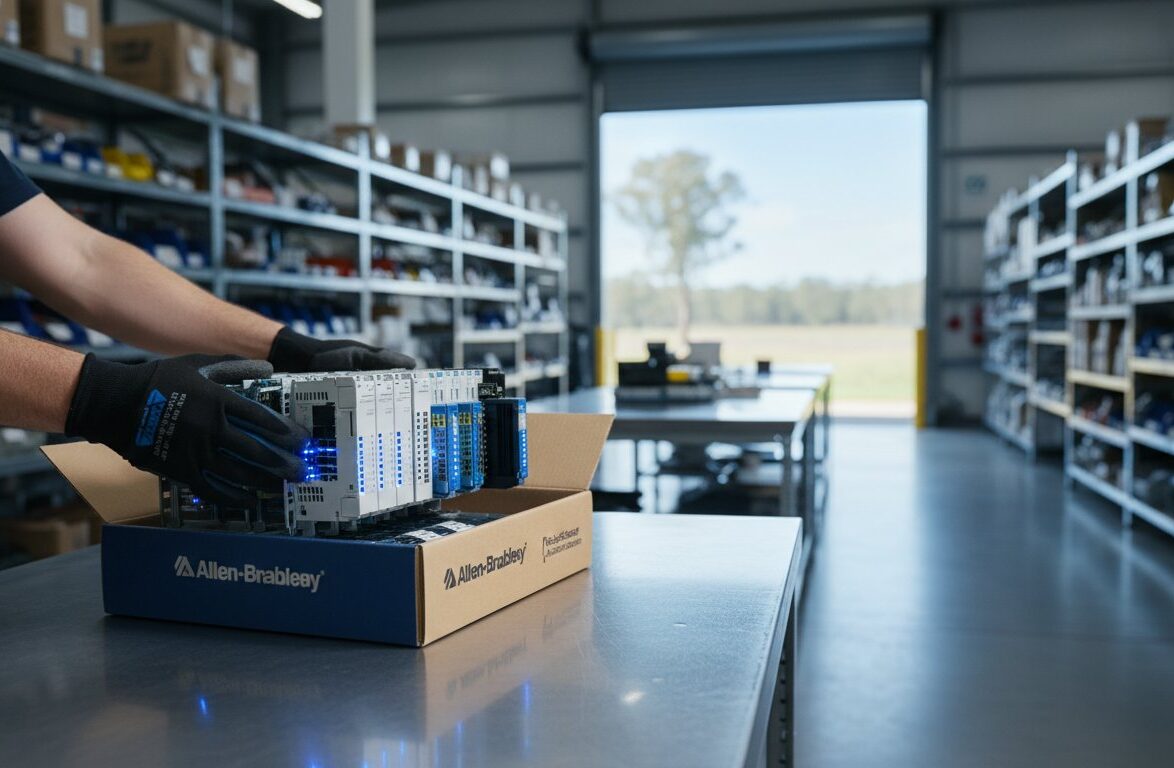
InstroDirect is a leading parallel importer of industrial automation parts. We source genuine, new-in-box modules from top brands like Allen-Bradley, Siemens, and Schneider Electric globally and make them available to you at the best prices. You get the same quality parts, just faster and for less. Can’t find a specific module? Contact our experts for help.
Power Up Your PLC: Sourcing the Right I/O
Understanding your PLC’s input/output system is the key to unlocking a powerful and efficient automation setup. As we’ve covered, knowing the critical differences between local, expansion, and remote I/O allows for smarter system architecture. Selecting the right digital and analog modules for your specific sensors and actuators ensures accuracy and reliability. Whether you’re troubleshooting an existing rack or installing a complete new i/o drawer, these principles are your foundation for operational success.
When you’re ready to source your components, don’t pay full price. InstroDirect delivers genuine parts at direct import prices, giving you a significant cost advantage. We back our deals with expert support from our Australian team and provide fast, Australia-wide shipping to get you up and running sooner. Need to expand your PLC? Find great deals on Rockwell & Siemens I/O modules now.
Armed with this knowledge, you can confidently tackle your next expansion or upgrade. Take control of your automation project and build a more robust, cost-effective system today.
Frequently Asked Questions
What is the difference between sourcing and sinking PLC I/O?
Sourcing and sinking define the direction of current flow in DC I/O circuits. A sourcing module provides the positive voltage (V+) to the field device. In contrast, a sinking module provides the ground path (0V) to complete the circuit. For correct operation, you must match a sourcing module with a sinking field device, or a sinking module with a sourcing device. Always check the specifications for both the I/O module and the connected sensor or actuator.
Can you mix I/O modules from different brands like Allen-Bradley and Siemens in the same rack?
No. You cannot use I/O modules from different brands in the same PLC rack. Backplanes, communication protocols, and physical connectors are proprietary to each manufacturer. An Allen-Bradley ControlLogix module will not physically fit or electronically communicate in a Siemens S7 rack. To expand your system, you must use modules specifically designed for your PLC’s brand and product family. Contact us to find the correct compatible parts at the best prices.
How many I/O modules or expansion racks can a single PLC CPU support?
This limit depends entirely on the specific PLC processor model and the system’s power supply capacity. High-performance CPUs, like an Allen-Bradley ControlLogix, can support thousands of I/O points across many local and remote expansion racks. Smaller PLCs have much lower limits. The definitive answer is always found in the manufacturer’s technical datasheet for your specific CPU. Check this document before purchasing expansion modules.
What is an I/O point in a PLC system?
An I/O point is a single physical connection that handles one input or one output signal. For example, a pressure switch connected to an input module uses one input point. A motor starter coil controlled by an output module uses one output point. A 16-point digital input card has 16 individual terminals to monitor 16 separate devices. It is the most basic unit of control and monitoring within the PLC system.
What is the main function of a backplane in a PLC rack?
The backplane is the electrical circuit board at the rear of a PLC chassis or an i/o drawer. Its primary function is to provide a shared communication bus and distribute power to all the modules plugged into the rack. This allows the CPU, power supply, and all I/O modules to exchange data at high speed without needing complex point-to-point wiring. It creates a simple, modular, and reliable hardware platform.
Is a remote I/O network slower than local I/O?
Yes, remote I/O is inherently slower than local I/O. Modules in the main PLC rack communicate directly across the very high-speed backplane. Remote I/O modules in a separate i/o drawer must communicate over a network protocol like EtherNet/IP or PROFINET. This introduces network latency-a small delay. For most applications this delay is negligible, but it can be a critical factor for high-speed motion control or time-sensitive processes.
Leave a Comment
Your email address will not be published. Required fields are marked *