
Confused about industrial automation? Don’t know the difference between a standard PC and a dedicated plc computer? You’re not alone. The world of industrial programming, with its unique languages and endless hardware options from brands like Rockwell and Siemens, can be intimidating for beginners. Wasting time and money on the wrong equipment is a common problem for projects across Australia.
This guide cuts through the noise. Get the direct answers you need, fast. We break down the key differences between a PLC and a regular computer and give you a straightforward introduction to the basics of programming. Learn what you need to get started and discover how to choose the right PLC for your specific industrial application. Stop guessing and start building with confidence.
PLC vs. PC: Is a PLC Just a Rugged Industrial Computer?
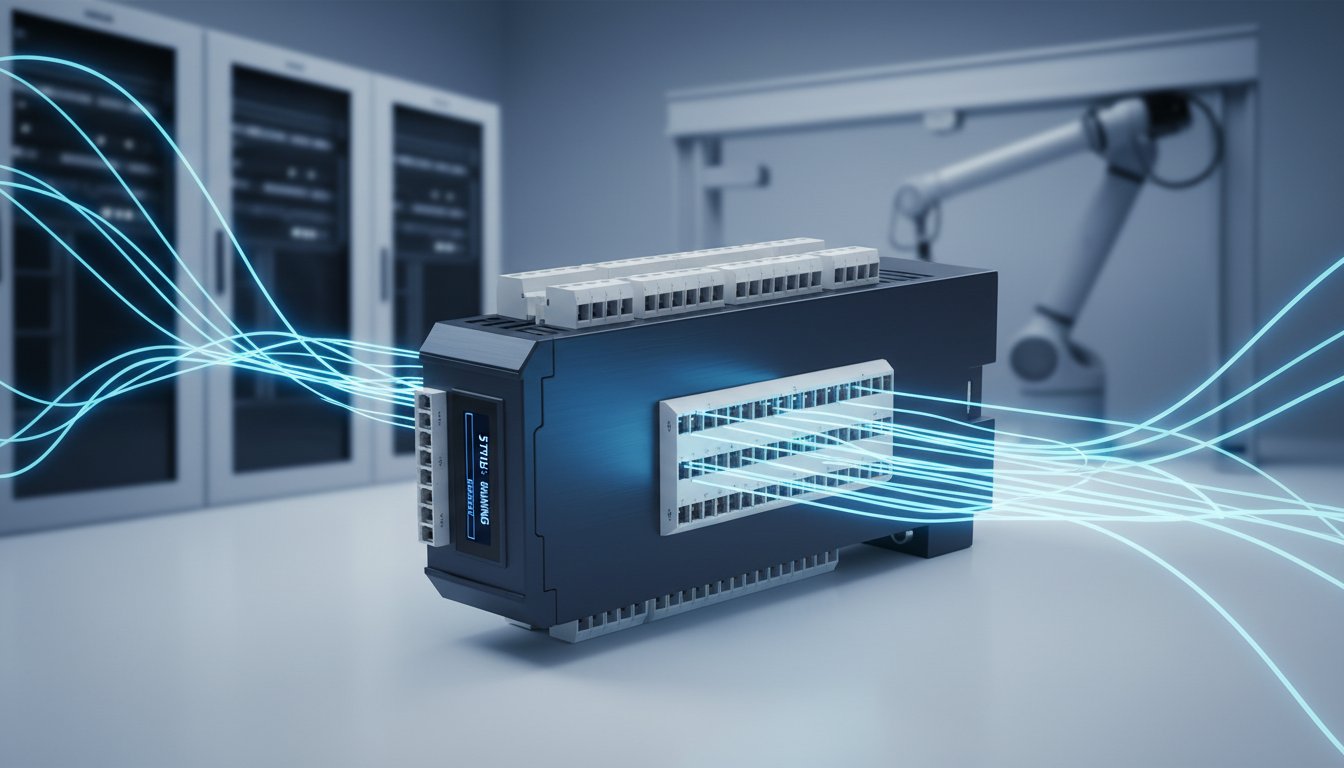
Yes, a PLC is a type of computer, but its job is completely different from your desktop PC. A Programmable Logic Controller is a specialized, industrial computer designed for one thing: real-time control. It’s not for running spreadsheets or browsing the web; it’s for reliably automating machines and processes 24/7.
Think of it like this: a PLC is the brain’s brainstem, handling critical, repetitive functions like a heartbeat. A PC is the cerebrum, dealing with complex, varied, and less time-critical tasks. This fundamental difference in purpose dictates every aspect of their design.
Key Differences in Hardware and Design
A standard PC wouldn’t last a day on a factory floor. A plc computer is built to survive. The hardware is fundamentally different:
- Environment: Designed to withstand extreme temperatures, constant vibration, humidity, and electrical noise.
- Inputs/Outputs (I/O): Features dedicated terminals to directly connect with industrial sensors, switches, motors, and valves. No need for USB or HDMI ports.
- Reliability: Solid-state design with no moving parts like fans or hard drives means maximum uptime and fewer points of failure.
- Power: Uses a robust, industrial-grade power supply to ensure consistent, clean power for non-stop operation.
The Operating System: Why PLCs Don’t Run Windows
Your PC runs an OS like Windows or macOS, designed for flexibility and user interaction. A PLC runs a Real-Time Operating System (RTOS). The difference is critical. An RTOS guarantees a task will execute within a precise, predictable timeframe. This is called a deterministic ‘scan cycle’. It reads inputs, executes the control logic, and updates outputs in a constant, lightning-fast loop. General-purpose operating systems can’t offer this guarantee, making them unsuitable for time-critical control where a millisecond delay could be disastrous.
Purpose-Built for Control vs. General-Purpose Computing
Ultimately, the biggest difference is focus. A PLC has a single, critical mission: to execute its control program flawlessly, millions of times. It does one job and does it with extreme reliability. A PC is a multitasker, built to run web browsers, email clients, and software simultaneously. This single-minded focus is what makes a PLC an incredibly stable and secure foundation for any automated industrial process. It’s not just a rugged PC; it’s an entirely different class of machine built for control.
The Core of PLC Programming: How It ‘Thinks’ in a Loop
A standard desktop computer waits for your command-a mouse click, a key press. A PLC is different. It doesn’t wait. The core of any plc computer is its scan cycle, a relentless, high-speed loop that it executes thousands of times per second. This repetitive process makes a PLC’s behaviour extremely predictable and reliable, which is essential for controlling critical industrial machinery. This is the fundamental difference: PCs are event-driven, while PLCs are process-driven.
The Scan Cycle Explained: Input, Execute, Output
The PLC scan cycle is a simple, four-step process that repeats continuously. This ensures the PLC is always aware of the machine’s state and can react instantly according to its programming. The entire loop is measured in milliseconds.
- Step 1: Read Inputs
The PLC checks the status of every connected input device. Is the emergency stop button pressed? Is the sensor detecting a product? It stores this information in memory. - Step 2: Execute Program
It processes the control logic you have programmed-often in ladder logic-using the input data it just collected. For example: IF the start button is ON AND the safety guard is closed, THEN prepare to start the motor. - Step 3: Update Outputs
Based on the program’s decisions, the PLC energises or de-energises its output terminals. This turns motors on, opens valves, or activates indicator lights. - Step 4: Housekeeping
The PLC performs internal diagnostics and handles communication requests before immediately starting the cycle again.
Understanding Inputs and Outputs (I/O)
The inputs and outputs (I/O) are the PLC’s connection to the real world. A PLC is useless without them. Simply put:
- Inputs (I): Signals coming into the plc computer. These are your eyes and ears on the factory floor. Examples include push buttons, proximity sensors, and temperature probes.
- Outputs (O): Signals sent out by the PLC to control devices. These are your hands, performing the work. Examples include motors, solenoids, lights, and alarms.
I/O comes in two main types: digital for simple ON/OFF states (like a switch) and analog for variable ranges (like a pressure reading from 0-1000 kPa). The number and type of I/O points required for your application is a key factor when selecting a PLC. Get the right I/O count to avoid overspending or system limitations.
The 5 Main PLC Programming Languages (IEC 61131-3 Standard)
Unlike a standard desktop PC, a plc computer doesn’t run on common languages like Python or Java. Instead, it uses a set of rugged, industry-specific programming languages defined by the international standard IEC 61131-3. This standard ensures that skills are transferable across different PLC brands like Allen-Bradley, Siemens, and Schneider Electric.
These languages fall into two main categories:
- Graphical Languages: Visual, drag-and-drop style programming (Ladder Logic, Function Block Diagram, Sequential Function Chart).
- Text-Based Languages: Code is written out, similar to traditional programming (Structured Text, Instruction List).
You don’t need to master all five. Most technicians and engineers become proficient in one or two to handle the vast majority of automation tasks.
Ladder Logic (LD): The Electrician’s Favourite
Ladder Logic is the most popular and visually intuitive PLC language. It’s designed to look exactly like the electrical relay schematics that electricians and maintenance technicians have used for decades. Programs are arranged in “rungs,” with conditions (contacts) on the left and actions (coils) on the right. This familiarity makes it easy to learn and troubleshoot on the factory floor. It is best used for discrete control where logic is based on simple ON/OFF states.
Example Rung:
|–[ Start_Button ]–[ Sensor_OK ]–( Motor_On )–|
In this simple example, the ‘Motor_On’ coil will only activate if both the ‘Start_Button’ and ‘Sensor_OK’ contacts are closed (TRUE).
Function Block Diagram (FBD): Connecting the Dots
FBD is another graphical language that uses blocks to represent functions like timers, counters, or mathematical operations. Each block has inputs on the left and outputs on the right. You “wire” the output of one block to the input of another to create the program’s logic flow. FBD is excellent for process control applications where data and signals flow continuously between different parts of a system.
Structured Text (ST): For Complex Tasks
Structured Text is a high-level, text-based language with a syntax similar to Pascal or C. It is the most powerful language for handling complex tasks that are difficult to implement graphically. This includes advanced mathematical calculations, working with large arrays of data, and using loops (IF/THEN, FOR, WHILE). While it has a steeper learning curve, ST is essential when you need the full processing power of your plc computer.
Other Languages: SFC and IL
Two other languages complete the IEC 61131-3 standard, though they are less common for beginners:
- Sequential Function Chart (SFC): A graphical language that organizes a program into distinct steps and transitions. It’s a powerful flowcharting tool, perfect for batch processes or machines with a defined operating sequence.
- Instruction List (IL): A low-level, text-based language that resembles assembly code. It offers very precise control over the PLC’s operation but is complex and less widely used today.
For anyone starting out, focusing on Ladder Logic or Function Block Diagram provides the best foundation for most industrial automation jobs. Need a specific PLC to get started? Browse our range of PLCs at the best prices in Australia.

Your First Steps: The PLC Programming Workflow
Moving from theory to practice is the most critical step. This section demystifies the actual process of getting control logic from your brain onto a physical PLC. Think of it as a direct, no-nonsense guide to what you need and what to expect. The entire workflow boils down to three essential components working together:
- A physical PLC (the controller)
- Brand-specific programming software (the development environment)
- A communication cable (USB or Ethernet)
Follow these steps to get your first program up and running.
Step 1: Choose Your Hardware and Software
The first decision is your ecosystem. PLC software is proprietary, meaning the software is tied to the hardware brand. If you choose an Allen-Bradley ControlLogix PLC, you must use Rockwell’s Studio 5000. For a Siemens S7-1200, you need their TIA Portal. There is no cross-compatibility. For any real-world application or hands-on learning, you need a physical plc computer on your bench. Your choice should match the scale of your project and your budget. For simple learning, a compact “brick” PLC is ideal. For industrial applications, a modular rack-based system is required. You can browse a wide range of PLCs from leading brands to get started.
Step 2: Write and Simulate a Simple Program
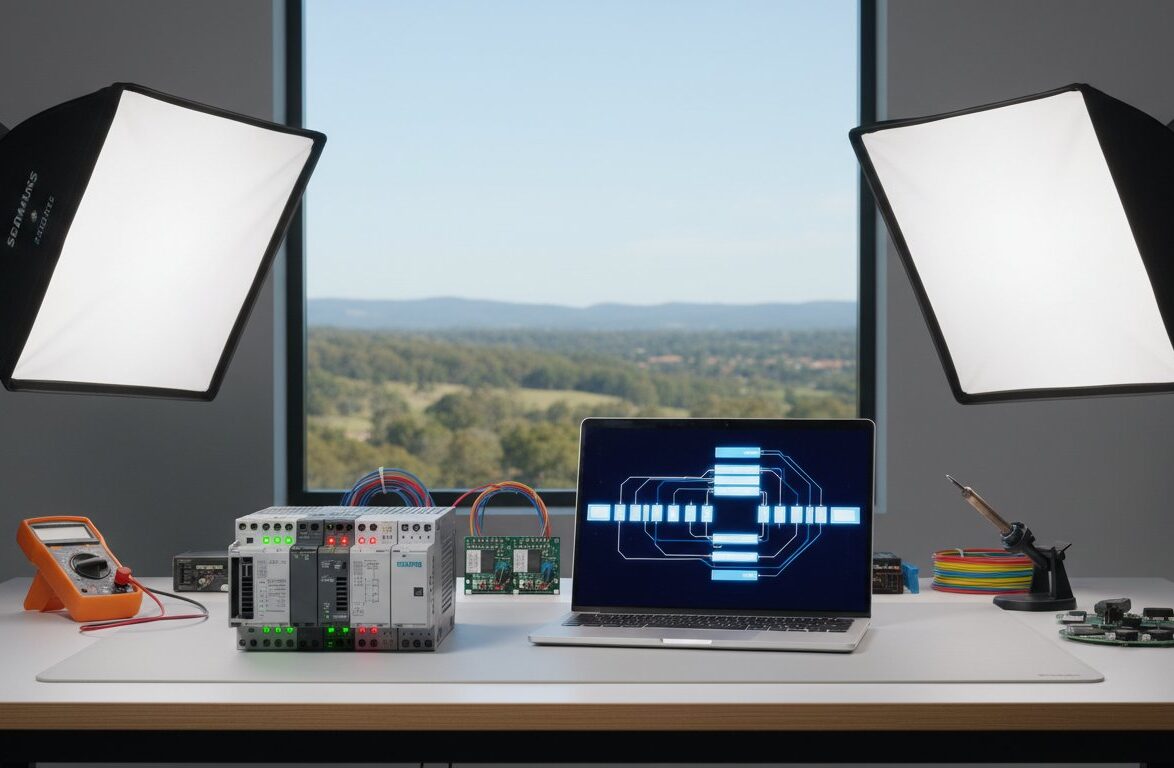
Begin with a fundamental industrial task: a simple start/stop motor latching circuit. Using Ladder Logic, you’ll create a rung with a normally open “start” input, a normally closed “stop” input, and an output coil representing the motor. Most professional software suites include a powerful simulator. This feature lets you run your program on a virtual PLC inside your computer. You can toggle inputs on and off and watch the logic execute in real-time, often with rungs highlighting to show power flow. This is a crucial, risk-free step to verify your logic works as intended before connecting to any real machinery.
Step 3: Download and Run Your Code
With your logic verified, it’s time for deployment. Physically connect your laptop to the PLC’s communication port, typically via USB or an Ethernet cable. The next step is to ‘download’ your program. This process compiles your code and transfers the executable file from your PC to the plc computer’s non-volatile memory. After a successful download, the PLC is ready. The final action is to switch the PLC’s mode key or use the software to change its state from ‘Program’ to ‘Run’. The PLC will now continuously scan and execute your logic, controlling the connected outputs based on the state of its inputs. Our full range of automation components includes everything you need for your project.
Power Your Project with the Right PLC Computer
You now understand the fundamentals. A PLC is more than just a rugged PC-it’s a purpose-built controller designed for maximum reliability in demanding industrial environments. By operating on a continuous scan cycle and using specialised languages like Ladder Logic, it executes automation tasks with unmatched precision. This core knowledge is your foundation for mastering industrial control systems.
When you’re ready to move from theory to application, sourcing the right plc computer is the critical next step. At InstroDirect, we make it simple and cost-effective. Get direct import pricing on top-tier brands like Rockwell, Siemens, and Schneider, allowing you to SAVE BIG compared to traditional distributors.
Every product is backed by our expert support and fast, Australia-wide shipping to keep your project moving forward without delay. Don’t let high costs or slow delivery hold you back. Browse our full range of PLCs and get a quote today.
Frequently Asked Questions
Can you use a regular PC instead of a PLC for industrial control?
No. A standard PC is not designed for the harsh conditions of an industrial environment. PLCs are purpose-built to withstand vibration, extreme temperatures, electrical noise, and humidity. They also run real-time operating systems for high-speed, deterministic control. Using a PC risks system failures and costly production downtime, making a dedicated PLC the only reliable choice for critical applications.
Is PLC programming difficult to learn for a beginner?
For those with a technical or electrical background, learning basic PLC programming is very achievable. The most common language, Ladder Logic (LD), visually mimics electrical relay circuits, making it intuitive for electricians and technicians. While mastering advanced functions or other languages like Structured Text requires more effort, a beginner can start programming simple automation tasks relatively quickly with good training materials.
What software is used to program a PLC computer?
Programming software is specific to the PLC manufacturer. For Allen-Bradley (Rockwell Automation), you use Studio 5000 Logix Designer. Siemens PLCs are programmed using TIA Portal. For Schneider Electric, the platform is EcoStruxure Control Expert. You cannot use one brand’s software to program another’s hardware. The software choice is always dictated by the brand and model of the specific plc computer you are using.
How much does a typical industrial PLC cost?
In Australia, PLC costs vary widely. A small, compact PLC for a simple machine might cost between A$250 and A$700. A more powerful, modular PLC system for a production line, like an Allen-Bradley CompactLogix or Siemens S7-1200, could range from A$1,500 to over A$8,000 depending on the required I/O modules. Large-scale, high-performance systems for complex process control can easily exceed A$20,000.
Do I need a special, high-powered computer to run PLC programming software?
Generally, no. Most modern business-grade laptops are sufficient for running PLC programming software. The key requirements are usually a modern multi-core processor (like an Intel Core i5), a minimum of 8GB of RAM (16GB is recommended for larger projects), and enough hard drive space for the installation. You do not need a high-end graphics card or a specialised engineering workstation for most PLC programming tasks.
Which brands of PLC are most common in Australia?
The Australian industrial automation market is dominated by two main brands: Allen-Bradley (Rockwell Automation) and Siemens. These are widely used across mining, manufacturing, food and beverage, and water treatment sectors. Other brands with a strong presence include Schneider Electric (Modicon), Omron, and Mitsubishi Electric. The specific brand used often depends on the industry and existing standards at a particular site.
Leave a Comment
Your email address will not be published. Required fields are marked *