
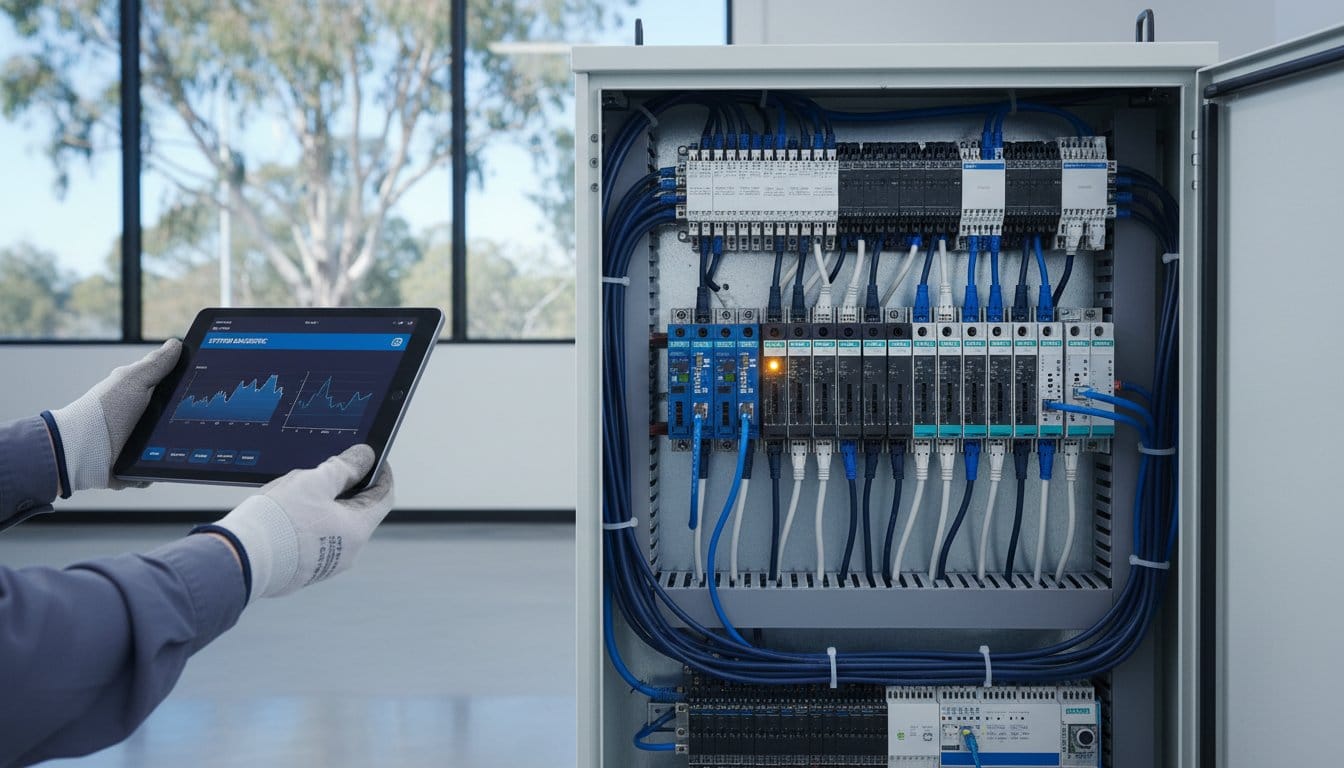
A single hour of unplanned downtime in an Australian manufacturing plant can cost over A$30,000 in lost revenue. When a production line halts, the pressure from management to restore operations is immediate and intense. You’ve likely struggled with confusing, brand-specific error codes or waited weeks for a local distributor to quote a simple replacement part. This plc troubleshooting guide for beginners provides a systematic engineering approach to fault-finding across Rockwell, Siemens, and Schneider systems, moving you beyond trial and error diagnostics.
We’ll help you master the logic needed to accurately isolate faulty I/O modules and significantly reduce your Mean Time To Repair (MTTR). At InstroDirect.com.au, we aren’t locked into one brand, so we provide the technical depth you need for whatever hardware is in your cabinet. This guide previews essential diagnostic steps and explains how to source replacement modules at lower prices through parallel importing. Stop wasting time on guesswork and get your facility back online with professional-grade engineering tactics.
Key Takeaways
- Master a systematic engineering framework to isolate faults across Field, I/O, and Logic layers using “Inside-Out” and “Outside-In” methodologies.
- Identify specific Australian industrial challenges, such as thermal stress from high ambient temperatures and “Dirty Power” voltage sags common in regional sites.
- Use this plc troubleshooting guide for beginners to apply the 80/20 rule, focusing your diagnosis on field circuitry where the majority of system faults occur.
- Utilize software-based diagnostics and command-line tools to verify Ethernet/IP and PROFINET node visibility across the factory network.
- Bypass the “Australia Tax” and reduce A$ procurement costs by sourcing multi-brand replacement parts through Instrodirect.com.au rather than being locked into a single manufacturer.
The Systematic PLC Troubleshooting Framework
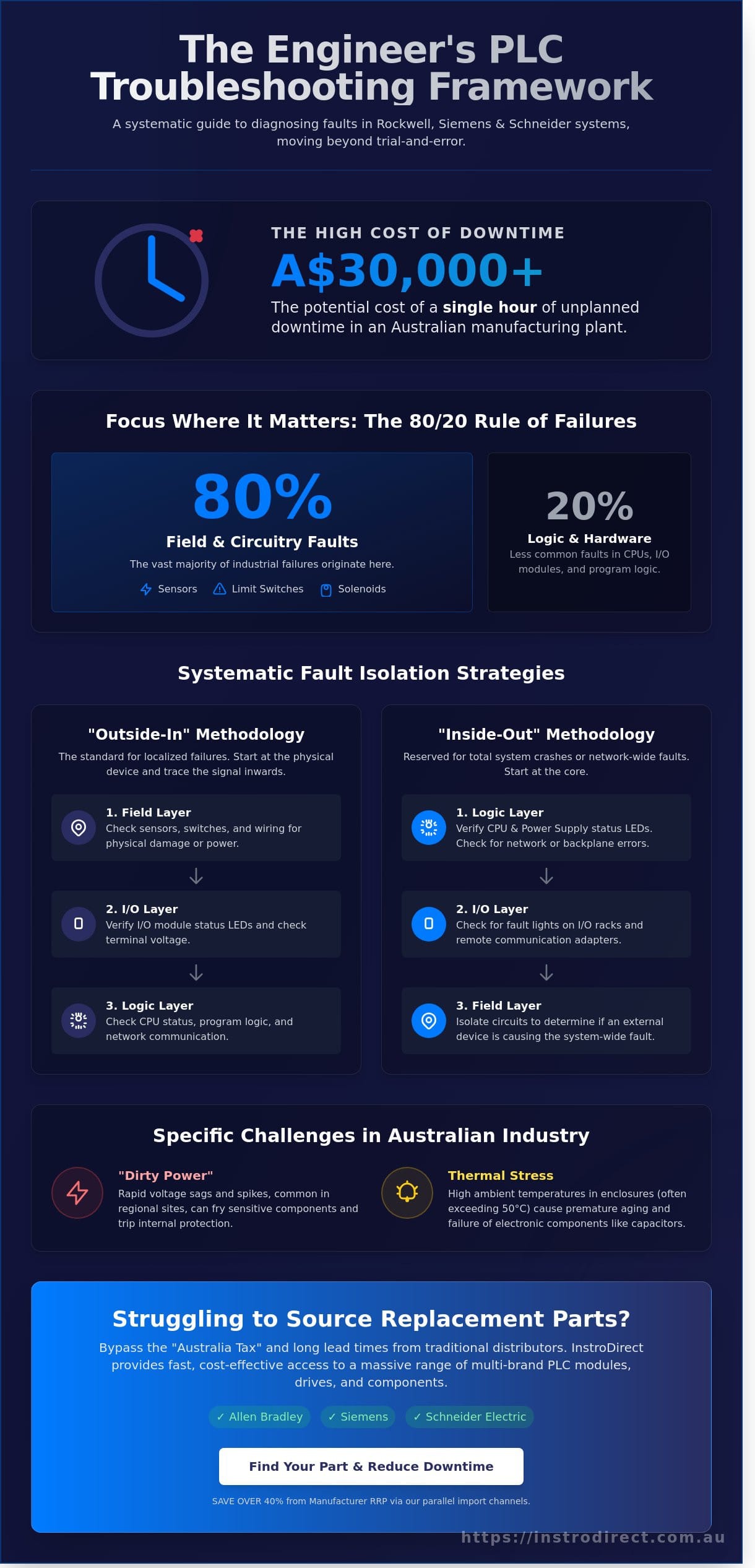
Effective automation maintenance requires more than just reading code. This plc troubleshooting guide for beginners focuses on a three layer isolation strategy: Field, I/O, and Logic. Most junior techs make the mistake of opening a laptop before checking field wiring. Statistically, over 80% of industrial failures originate in field devices like limit switches, sensors, or solenoids, rather than the processor logic itself.
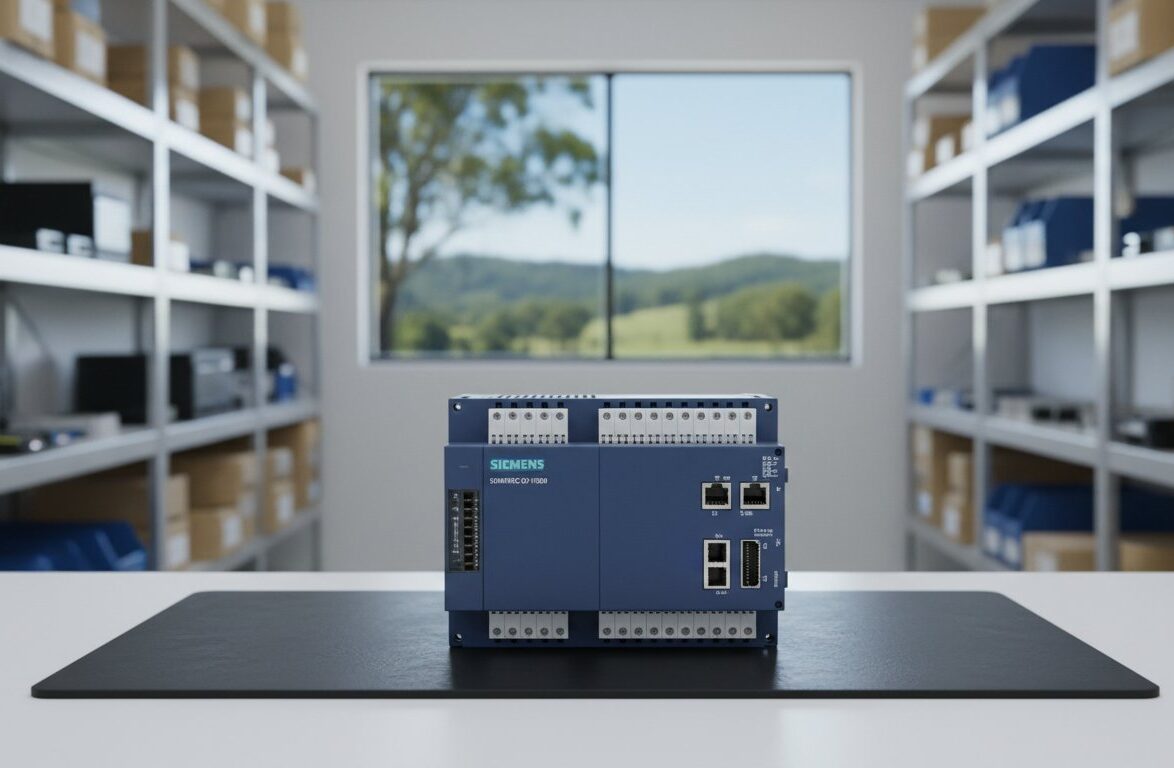
Technicians use two primary directions for fault isolation: “Outside-In” and “Inside-Out”. Outside-In is the standard for localized failures. You start at the physical sensor and work back to the I/O card. Inside-Out is reserved for total system crashes where you verify the CPU status first. Before diving into complex diagnostics, you must understand the basic Programmable Logic Controller (PLC) hardware architecture. If you find a burnt-out module, InstroDirect stocks a massive range of replacements. We aren’t locked into one brand. We supply Allen Bradley, Siemens, and Schneider Electric parts at lower pricing than traditional distributors.
Safety is the priority in any Australian plant. All live testing must comply with AS/NZS 3000 standards. Arc flash awareness is critical when opening 415V panels to check PLC power supplies. Always use rated PPE and insulated probes. If a component is dead, don’t wait for weeks on OEM lead times. InstroDirect acts as your primary sales arm, providing fast access to the parts you need to keep production running.
The Half-Split Method in Automation
The Half-Split Method is a diagnostic tool for 24VDC loops that isolates faults by testing the midpoint of a circuit to determine if the failure is upstream or downstream. In complex systems, use the logical handshake between the CPU and remote I/O racks as your split point. If the CPU shows a comms error but the remote rack has a green “Link” light, the issue is likely the backplane or the specific I/O module. This technique reduces the search area by 50% with every test. This plc troubleshooting guide for beginners recommends this method to avoid wasting hours on healthy circuits.
Essential Tools for the Australian Tech
Don’t enter a site without a CAT III or CAT IV rated multimeter. Industrial environments in Australia involve high-energy circuits where a cheap meter is a safety hazard. A portable oscilloscope is also vital for detecting harmonic noise in VSD-heavy environments, especially when troubleshooting Allen Bradley PowerFlex drives. Your laptop is your most valuable asset, provided it has brand-agnostic comms drivers for various platforms. InstroDirect supports Aussie techs by providing the hardware you need across all major brands without the restrictive bias of authorized distributors. Check our shop for the latest deals on automation hardware.
Diagnosing Physical Hardware and Power Failures
Start your plc troubleshooting guide for beginners by using your senses. Open the cabinet. Smell for ozone or burnt epoxy. This “magic smoke” usually indicates a catastrophic failure in the power supply or output relay contacts. In regional Queensland, industrial sites often suffer from “dirty power.” Rapid voltage sags or spikes can trip internal protection or fry sensitive components. High ambient temperatures in Australian enclosures frequently exceed 50°C, causing electrolytic capacitors to bulge and leak. This thermal stress is a leading cause of hardware death. Inspect for carbon tracking on the circuit boards; even a small path of soot can cause a short circuit across the backplane.
Power Supply and Backplane Integrity
Check the voltage rails immediately. A ControlLogix chassis requires stable DC power across multiple pins. Use a calibrated multimeter to verify the 5VDC and 24VDC rails at the backplane connectors. If you see erratic CPU behavior or “ghost” I/O faults, investigate backplane noise. This is often caused by poorly grounded PowerFlex drives or other high-frequency VSDs nearby. Check the lithium battery status. A “BATT” LED means you have limited time before a total program wipe occurs during a power cycle. InstroDirect stocks replacement batteries and modules for all major brands to prevent this downtime. SAVE OVER 40% FROM MANUFACTURE RRP by sourcing through our parallel import channels.
Interpreting CPU Status Indicators
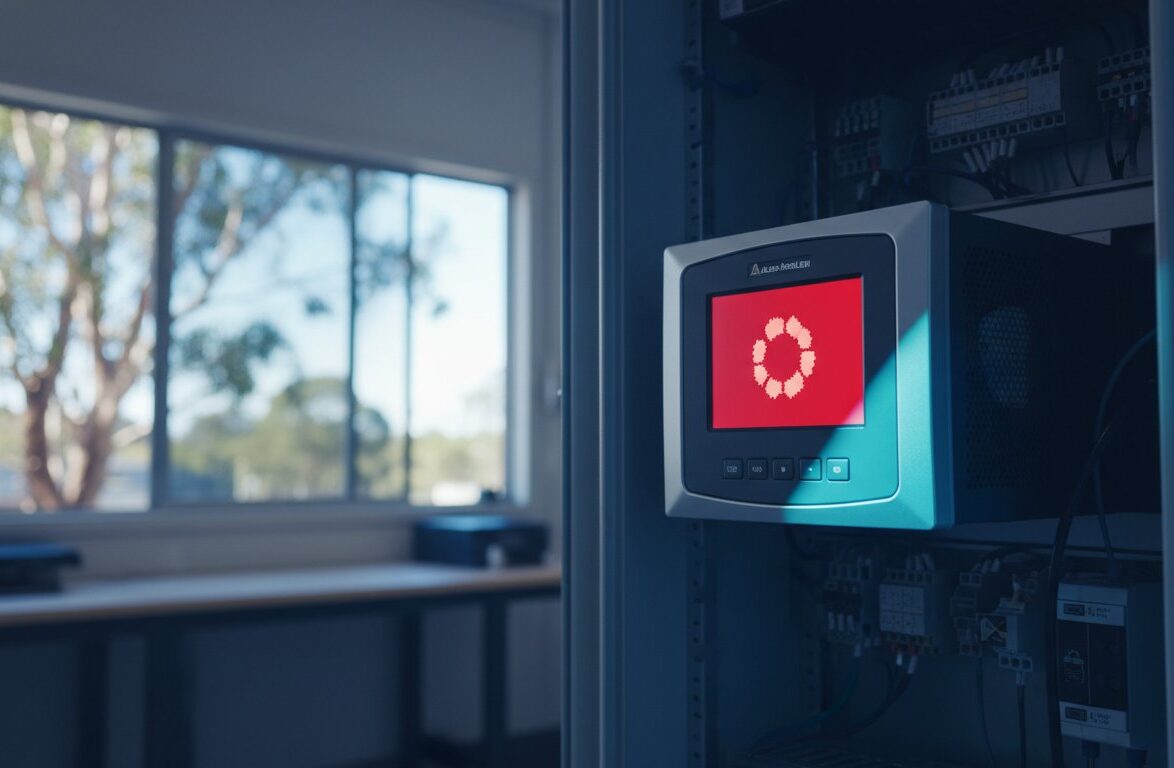
Every brand uses different logic for their diagnostic lights. For Rockwell (Allen-Bradley) processors, a Solid Red “OK” LED usually means the hardware is dead. A Flashing Red “OK” LED indicates a major recoverable fault, like a checksum error or firmware mismatch. Siemens S7 units use “SF” (System Fault) for internal hardware or software errors and “BF” (Bus Fault) for communication breaks on Profibus or Profinet. Schneider Modicon users should watch the “ERR” and “STAT” patterns. A flashing ERR light often points to an I/O configuration error or a module mismatch in the rack. We aren’t locked into one brand. This allows us to provide unbiased technical support and the best deals on whatever hardware your site runs. If you’re stuck on a specific fault code, contact our technical team for rapid sourcing of replacement parts.
Effective plc troubleshooting guide for beginners requires a systematic check of these physical layers before touching a laptop. Most “software bugs” are actually just 24VDC power drops or loose terminal screws. Ensure all terminal blocks are torqued correctly. Vibration in heavy industrial plants can back out screws over time, leading to intermittent signal loss that is hard to trend in code. Check your drawings. Verify that the power supply isn’t overloaded by too many hungry I/O modules. If the power supply is hot to the touch, it’s likely running at 90% capacity or higher, which significantly shortens its lifespan in the Australian heat.
Troubleshooting I/O Modules and Field Circuitry
The 80/20 rule is a fundamental law in industrial automation. 80% of system failures occur at the field device level, while only 20% involve the PLC processor or internal logic. This plc troubleshooting guide for beginners focuses on the high-failure points: the physical connections, sensors, and actuators. Because InstroDirect is not locked into one brand, we see these patterns across Allen-Bradley, Siemens, and Schneider systems alike.
When an output fails, you must distinguish between a blown fuse and a dead transistor. If the module LED is on but the load is dead, check the internal or swing-arm fuse first. If the fuse is intact but the output never switches despite the logic being true, the transistor is likely shorted or open. InstroDirect provides a massive range of replacement modules from brands like Allen-Bradley ControlLogix, ensuring you get the best prices on spares without waiting for official distribution lead times.
Software forcing is a powerful tool to bypass field physicalities. It lets you override logic to test an output or simulate an input. It’s dangerous. A forced output can crush equipment or injure staff if the physical safety interlocks are ignored. Use it only for short-term diagnostics. In humid Australian environments, 24VDC circuits often suffer from “leaky” inputs. Moisture in conduit or cable degradation causes high-resistance shorts. This makes the PLC think a sensor is triggered when it’s actually just current leaking through a damp terminal block.
Discrete I/O Fault Finding
Verify PLC outputs using a “Dummy Load.” A multimeter shows voltage on a high-impedance input even if the output stage is failing under load. Connecting a small resistor or relay coil confirms the circuit can actually carry current. The most overlooked failure point is the “Common” wire. A single loose terminal on a common rail can take down 16 inputs simultaneously. If you’re using high-cycle mechanical relay modules, expect fatigue after 100,000 operations. Solid-state replacements from InstroDirect offer better longevity for fast-switching applications.
Analogue Signal Integrity (4-20mA)
Ground loops are the primary cause of unstable 4-20mA signals. If you’re using unshielded twisted pair (UTP) over long runs near VSDs, electrical noise will induce errors. An “Open Loop” error usually signifies a snapped wire or a failed transmitter. If the PLC registers 4mA but the HMI shows incorrect values, check your scaling blocks. Engineers often forget that 4mA might represent 0 Bar in the PLC, but the HMI is scaled for a different range. If you can’t find the specific transmitter you need, contact InstroDirect directly to source the right part at a lower price.
Network Diagnostics and Software-Based Fault Finding
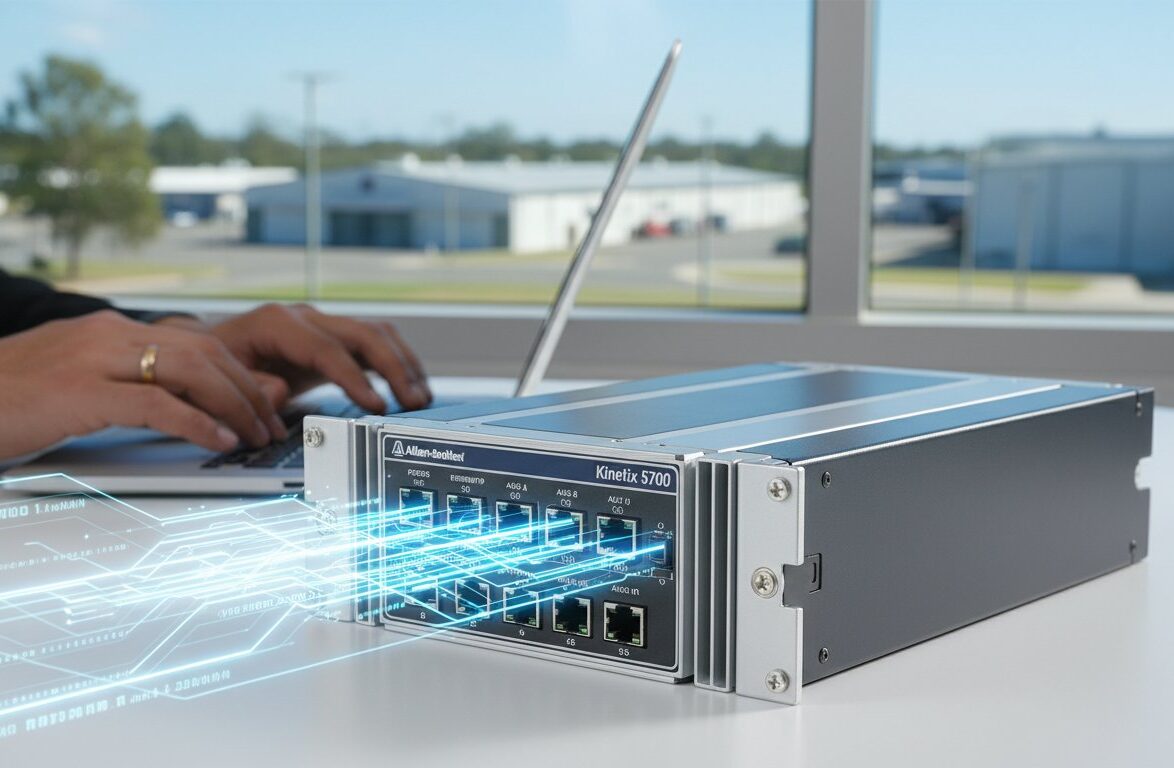
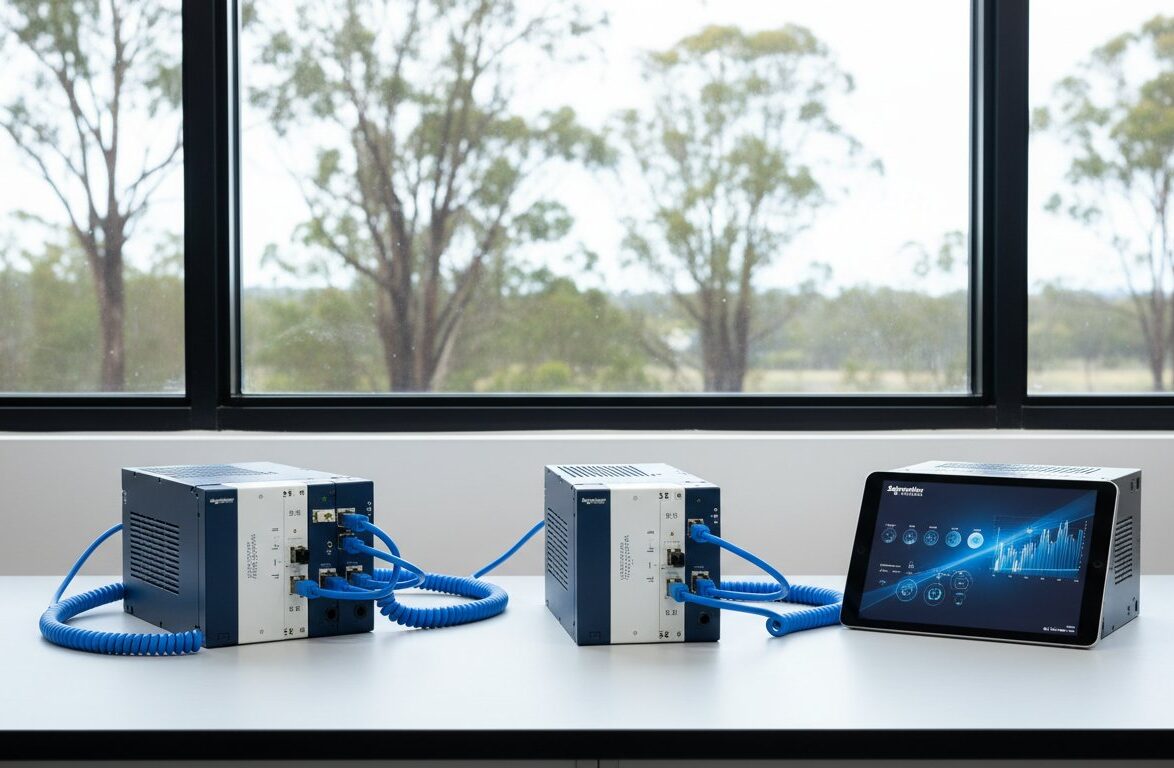
Modern Australian production lines rely heavily on Ethernet/IP and PROFINET protocols. When a system goes down, the physical layer is often the first point of failure. High-vibration environments in AU food and beverage plants frequently lead to loose RJ45 connections or internal wire breaks. You should start by using “Ping” and “Tracert” from your engineering workstation to verify node visibility. If a 1756-EN2T module doesn’t respond to a ping, the issue is likely a hardware failure or a severed Cat6 cable. This plc troubleshooting guide for beginners emphasizes that software diagnostics are useless if the physical link is broken.
Interpreting fault logs is a critical skill. In Studio 5000, “Minor” faults might indicate a math overflow that doesn’t stop the processor. “Major” faults, however, will transition the PLC to Faulted mode and halt production. Always check the “Module Info” tab in the I/O configuration. A common trap for engineers is the “Firmware Mismatch.” When you replace a failed module with a newer revision from Instrodirect.com.au, the PLC may reject it if “Exact Match” keying is enabled. You’ll need to adjust the electronic keying to “Compatible Module” or update the firmware to match the project file.
Industrial Communication Bottlenecks
Congested networks cause RPI (Requested Packet Interval) timeouts. If you’ve set an RPI of 2ms on a network with 15 VFDs and 10 remote I/O racks, you’ll likely see connection drops. Diagnosing these bottlenecks requires looking at the packet loss statistics within the managed switch. Cheap “dumb” unmanaged switches don’t support IGMP snooping. This leads to multicast traffic flooding every port and crashing sensitive devices. Always use “Industrial Grade” shielded connectors. A 0.5mm misalignment in a standard RJ45 crimp can cause intermittent CRC errors that are difficult to trace without a dedicated cable tester.
Using the Programming Software as a Probe
The “Cross-Reference” tool is your best friend when a sequence is stuck. It allows you to find every instance of a bit, helping you identify if a safety interlock or a manual override is preventing an output from energising. Use Watch Lists to monitor real-time data flow. This prevents the need to scroll through hundreds of rungs of ladder logic. When making changes, follow the Rockwell “Test, Assemble, Cleanup” workflow. This ensures your online edits are verified before they become permanent. If you’re struggling to source specific modules for these systems, contact us directly for immediate assistance.
InstroDirect provides a massive range of Allen Bradley, Siemens, and Schneider Electric parts at prices significantly lower than local authorised distributors. We aren’t locked into one brand, so we provide the parts you actually need to get back online.
Strategic Sourcing for Replacement Industrial Parts
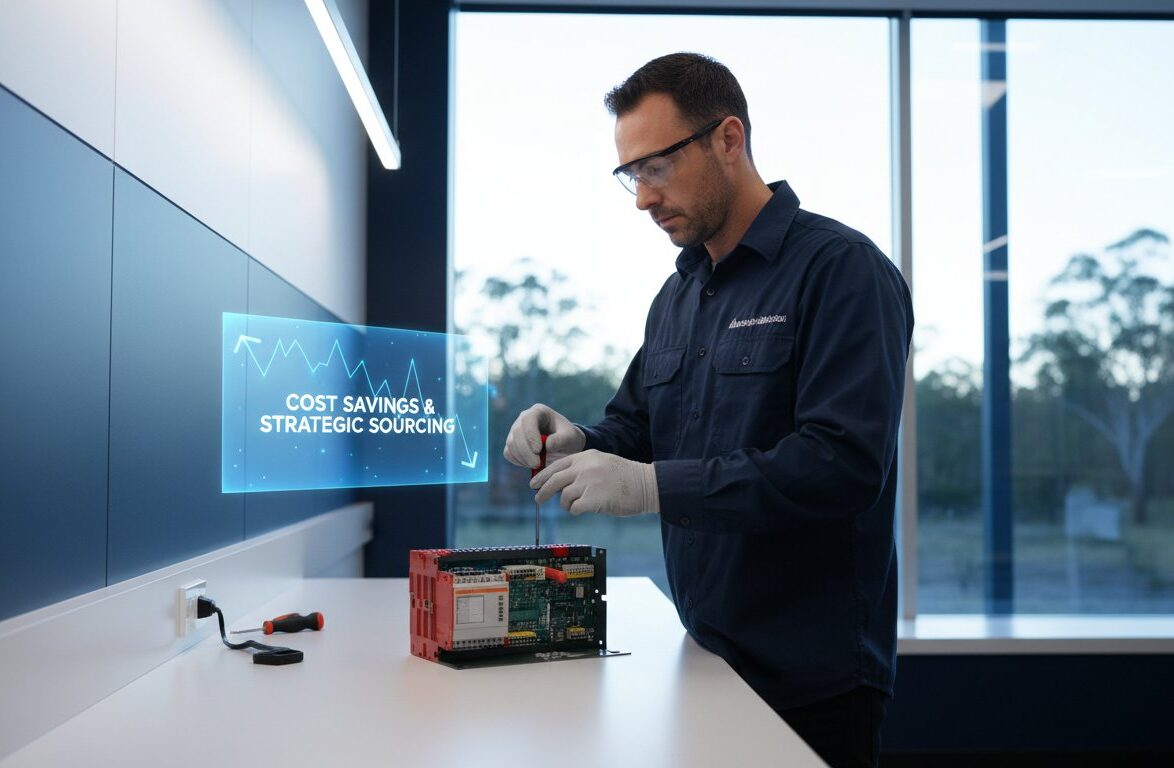
When a PLC module hits the 10-year mark, it becomes a liability. Intermittent I/O failures or backplane communication errors often stem from aging internal components like electrolytic capacitors. Engineers following a plc troubleshooting guide for beginners quickly learn that hardware swaps are the most reliable way to confirm a fault. Repairing old boards is often a false economy. It leads to repeat downtime. Replacing with genuine hardware ensures a clean slate. InstroDirect acts as the primary sales arm for Australian automation, providing the parts you need without the standard manufacturer wait times.
Being brand agnostic is a massive advantage for Australian engineers. We aren’t locked into one brand. This allows for faster recovery during global supply chain pinches. If a specific Rockwell module is on a 26-week lead time, our independent sourcing network finds alternatives or stock from other regions. This flexibility keeps your plant running while others wait for official channels to catch up. We focus on value and efficiency. You get the exact part number required to match your existing Rack configuration.
Bypassing Official Distribution Markups
Australian businesses often pay an “Australia Tax” on automation hardware. We use a parallel import model to bypass these official distribution markups. This means you get genuine parts at lower prices than manufacturer RRP. You save more because we source globally. Before ordering, always verify your part numbers and series compatibility. A 1756-IB16 Series B might have different firmware requirements than a Series A. InstroDirect provides expert phone support to confirm these technical details. We hold Australian stock in our warehouse. This ensures fast shipping across the country. SAVE OVER 40% FROM MANUFACTURE RRP on many lines.
Procuring Hard-to-Find Legacy Modules
Sourcing replacements for discontinued Rockwell or Siemens lines is a common hurdle in any plc troubleshooting guide for beginners. When the manufacturer stops support, your system isn’t suddenly obsolete. It just needs a reliable parts partner. We specialise in finding hard-to-find legacy modules that official distributors no longer carry. This includes older SLC 500 components or S7-200 units. If you can’t find what you’re looking for, contact our Narangba-based team directly. We provide technical sourcing assistance to keep your legacy racks operational. Our team understands the specific pressures of the Australian industrial sector. We offer a no-nonsense, pragmatic approach to procurement. Get the parts. Fix the machine. Minimise the cost.
Master Systematic Fault Finding and Minimize Downtime
Effective maintenance starts with a structured workflow. This plc troubleshooting guide for beginners highlights that most faults occur in field devices or wiring rather than the CPU. Engineers must verify power rails and I/O status indicators before diving into software logic. Using a systematic engineering approach ensures you don’t waste time on ghost faults. When hardware fails, sourcing replacements shouldn’t stall your operations or blow your budget.
InstroDirect serves as the primary sales arm for technical automation engineers across Australia. We aren’t locked into one brand; we stock a wide selection of Rockwell, Siemens, and Schneider Electric components to suit your specific site requirements. Our parallel importing model means you save over 40% from manufacturer RRP on genuine, new-in-box components. You get expert Australian support from our technical team based in Narangba, QLD. Every part includes full technical backing to keep your plant running at peak efficiency.
SAVE OVER 40% ON GENUINE PLC HARDWARE – SHOP NOW
Start building your critical spare parts inventory today to stay ahead of the next unexpected failure.
Frequently Asked Questions
What are the first steps to take when a PLC goes into a major fault?
Check the CPU status LEDs immediately and connect with programming software to read the specific fault code from the diagnostic buffer. Statistics show that 80% of major faults are caused by hardware mismatches or memory checksum errors. If the hardware is dead, source replacements from Instrodirect.com.au to minimize downtime. We aren’t locked into one brand, so we can find you the fastest solution across multiple manufacturers.
How do I know if my PLC power supply is failing?
Measure the DC output voltage with a calibrated multimeter; any reading that fluctuates more than 5% below the rated voltage indicates a failing unit. Look for flickering “Power” LEDs or intermittent CPU resets during high demand. InstroDirect offers amazing deals on 24V DC supplies for all major brands, ensuring you get the best price for your control panel components.
Can I replace a PLC module while the system is powered on (Hot Swapping)?
You can only replace a module under power if the specific chassis and module support Removal and Insertion Under Power (RIUP). Attempting this on standard Siemens S7-300 or older Rockwell SLC 500 racks will likely cause a backplane arc or a CPU crash. Check the technical specifications on Instrodirect.com.au before you attempt a swap. We provide technical data to help you select RIUP-compatible hardware for critical Australian infrastructure.
What is the difference between a “Hard Fault” and a “Soft Fault”?
A hard fault is a physical hardware failure or critical logic error that forces the CPU into stop mode, while a soft fault is a non-critical error that allows the program to continue. Roughly 90% of hard faults require a hardware replacement to restore operation. Save over 40% from manufacturer RRP by sourcing your replacement I/O or CPUs through InstroDirect’s parallel importing model.
Why is my PLC losing its program after a power outage?
This usually happens because the internal lithium battery has depleted, which means it can’t maintain the CMOS memory when main power is lost. Most PLC batteries have a service life of 2 to 5 years depending on the ambient temperature of your enclosure. If your program is gone, reload the logic and buy a replacement battery or non-volatile memory card from Instrodirect.com.au immediately to prevent a recurrence.
How do I troubleshoot a “Bus Fault” on a Siemens or Rockwell network?
Inspect the physical layer for loose terminators or damaged shielding on the Profibus or ControlNet cable, as 70% of bus faults stem from physical connectivity issues. Use the PLC’s internal web server or diagnostic software to identify the specific station address that has dropped off the network. If a communication card is faulty, ring us at InstroDirect. We’re here to help you find specific, hard-to-locate networking modules.
Is it cheaper to repair a faulty PLC module or buy a new one in Australia?
Buying a new module from Instrodirect.com.au is typically 30% cheaper than the labor costs of a specialized repair in Australia. Most local repair shops charge a minimum of A$200 per hour for diagnostics, which quickly exceeds the price of our discounted stock. Our parallel importing model ensures you get lower pricing on new, boxed hardware without the long wait times of traditional distribution.
What is the most common cause of I/O module failure in industrial environments?
Electrical overstress from inductive surges or short circuits accounts for approximately 65% of I/O module failures in Australian plants. This plc troubleshooting guide for beginners recommends installing surge suppression on all inductive loads to protect your rack. If you’ve already had a blowout, browse our big sale on I/O modules to get your system back online for less.
Leave a Comment
Your email address will not be published. Required fields are marked *