Can’t find what you’re looking for? Contact us directly — we’ll source it for you. - Sales@instrodirect.com.au | Call : 0403 082 383

Industrial Automation Blog

Siemens TIA Portal Introduction Guide for Australian Engineers

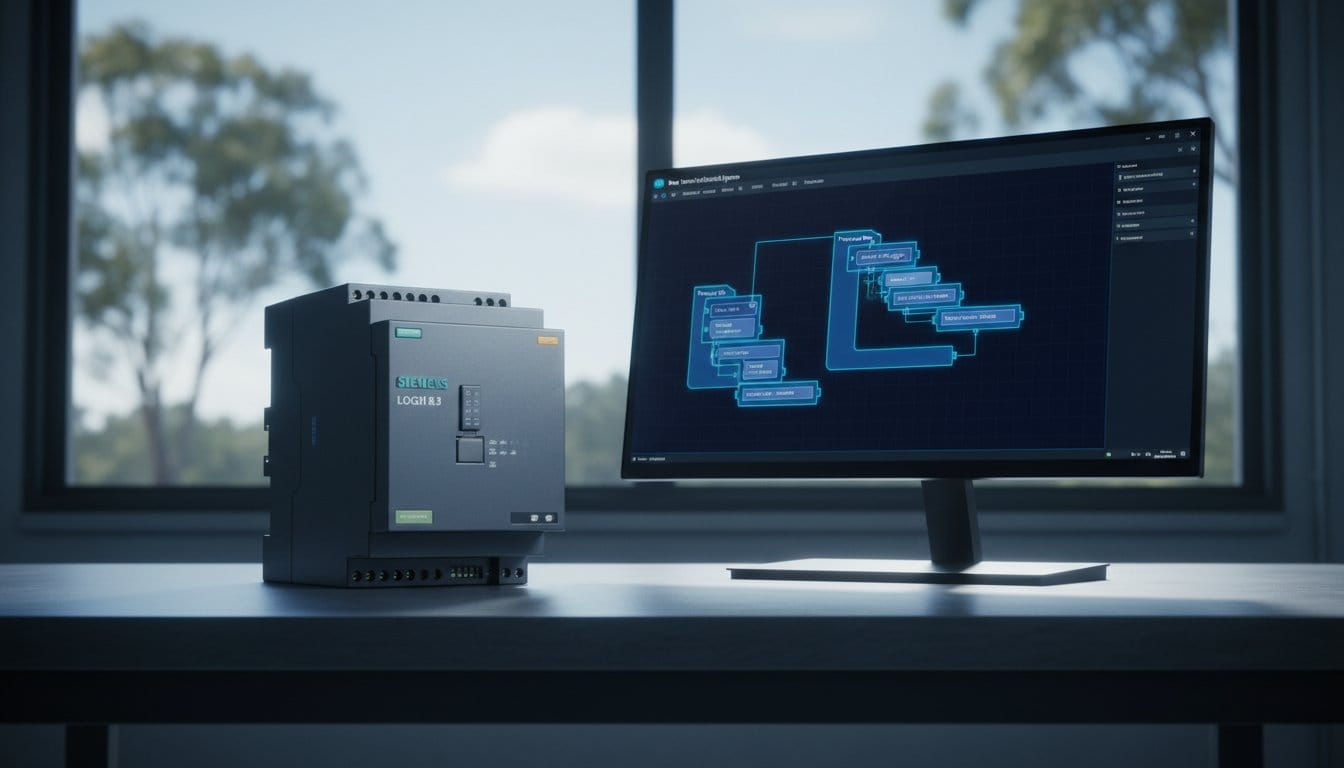
Siemens TIA Portal (Totally Integrated Automation Portal) is the unified engineering software platform for Siemens S7 PLCs, HMIs and drives. This introduction guide covers the fundamentals of TIA Portal for engineers who are new to the Siemens ecosystem or transitioning from another PLC brand.

What Is TIA Portal?

TIA Portal integrates PLC programming, HMI configuration, drive parameterisation and network setup into a single software environment. It replaces the older STEP 7 Classic and WinCC flexible platforms with a modern unified interface. The current major versions are TIA Portal V17, V18 and V19.

TIA Portal Licencing Options

  • STEP 7 Basic: Entry-level — supports S7-1200 PLCs and basic KTP HMIs only
  • STEP 7 Professional: Full PLC support — S7-300, S7-400, S7-1200 and S7-1500 controllers
  • WinCC Advanced: Adds PC-based HMI and SCADA configuration on top of Professional

A 21-day fully functional trial version is available from the Siemens Industry Online Support (SIOS) portal at no cost.

Creating Your First TIA Portal Project

Step 1 — Create a New Project

Open TIA Portal and click Create New Project from the start portal. Enter a project name, choose a storage location and click Create. The project workspace will open with the Project Tree on the left.

Step 2 — Add a PLC Device

In the Project Tree, right-click Devices and Networks and select Add New Device. Navigate the hardware catalogue to your specific CPU by order number. For example, a 6ES7 214-1AG40-0XB0 is an S7-1214C DC/DC/DC. Select it and click OK to add the device.

Step 3 — Configure Hardware

The Device Configuration view shows a graphical rack view. Drag expansion modules from the catalogue panel on the right into the appropriate slots. Open the Properties panel below the rack view to set the PROFINET IP address and subnet mask for the CPU.

Step 4 — Understand Program Blocks

  • OB1 (Main): The cyclic organisation block — your main program executes here every scan
  • OB30 to OB38: Cyclic interrupt OBs — execute at a fixed configurable time interval
  • FB (Function Block): A reusable code block with its own persistent instance data block
  • FC (Function): A reusable code block with parameters but no persistent internal memory
  • DB (Data Block): A data storage block — used for global data or FB instance data

Step 5 — Write Your First Program

TIA Portal supports the four IEC 61131-3 textual and graphical languages: Ladder Diagram (LAD), Function Block Diagram (FBD), Structured Text (SCL) and Statement List (STL). Open OB1 in the editor and drag instructions from the instruction panel on the right side. Ladder Diagram will feel familiar to engineers with Allen-Bradley or Mitsubishi experience.

Step 6 — Download and Commission

Connect your programming PC to the PLC PROFINET port using a standard Ethernet cable. In TIA Portal, select the CPU in the Project Tree and click Download to Device in the toolbar. TIA Portal compiles the project, checks for differences between the project and the online controller, and prompts you to confirm the download. After a successful download, set the CPU to RUN using the online panel or the physical mode selector on the CPU front.

S7-1200 vs S7-1500 — Comparison

FeatureS7-1200S7-1500
Target applicationSmall to medium standalone machinesMedium to large plant or system control
Processing speedStandard — adequate for most machine tasksHigh — sub-millisecond bit instruction times
CommunicationPROFINET, Modbus TCP, USSPROFINET, PROFIBUS DP, OPC UA, Modbus
Safety variantS7-1200F — basic safetyS7-1500F — comprehensive integrated safety
DisplayOptional signal board onlyBuilt-in front panel display for diagnostics
CostLower — cost-effective entry pointHigher — justified for larger or critical systems

Siemens PLCs at InstroDirect

InstroDirect stocks genuine Siemens S7-1200 and S7-1500 PLCs at parallel-import pricing — typically 20-35% below standard Australian distributor rates. Whether you need a single development CPU or a full project bill of materials, contact our team for a quote or visit the online store for current stock and pricing.

How to Program an Allen-Bradley PLC — Getting Started

Allen-Bradley PLCs from Rockwell Automation are among the most widely used programmable logic controllers in Australian industry. This guide provides a practical introduction to programming ControlLogix and CompactLogix controllers using Studio 5000 Logix Designer software.

What You Need to Get Started

  • Hardware: An Allen-Bradley ControlLogix or CompactLogix PLC with a power supply and I/O modules
  • Software: Studio 5000 Logix Designer — available from Rockwell Automation under a FactoryTalk licence
  • Communication: EtherNet/IP network connection or USB cable depending on your controller
  • Background knowledge: Understanding of 24 VDC digital I/O and analogue signals is helpful

Step 1 — Install Studio 5000 Logix Designer

Studio 5000 is the unified programming environment for all Allen-Bradley Logix 5000 family controllers. Download it from the Rockwell Automation Product Compatibility and Download Centre (PCDC). A valid FactoryTalk licence is required for full use. A 90-day trial is available for evaluation purposes.

Step 2 — Create a New Project

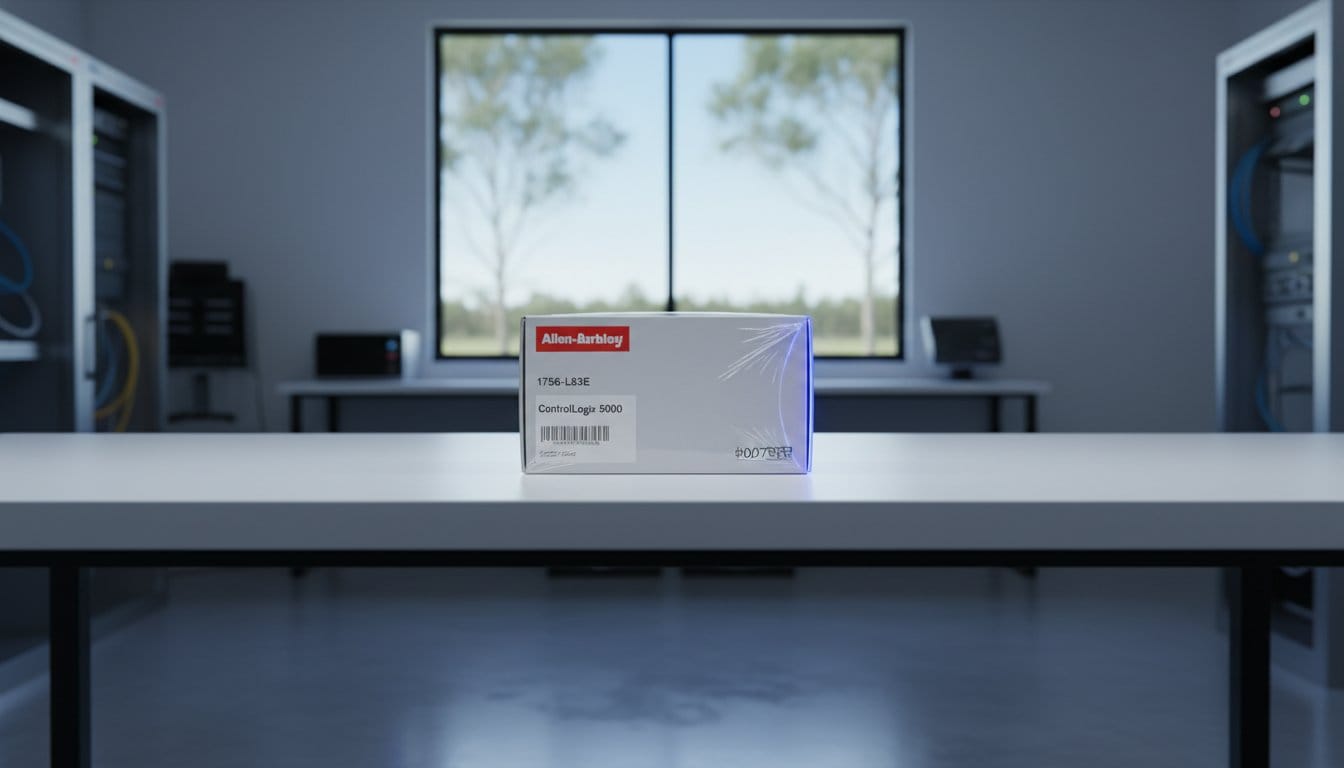
Open Studio 5000 and select File then New. Choose your controller type (for example 1756-L83E for a ControlLogix 5580 series), enter a project name, set the chassis size and slot position for your processor, then click Finish to create the project.

Step 3 — Configure the Hardware Tree

In the Controller Organiser panel on the left, right-click the chassis and add the I/O modules installed in your physical system. For each module, set the correct slot number and verify the catalogue number matches your hardware exactly. This step is called hardware configuration or building the I/O tree.

Step 4 — Create Tags

Allen-Bradley PLCs use a tag-based addressing system rather than fixed memory addresses. Tags are named variables that store data. To create a tag, open the Controller Tags window and click New Tag. Assign a descriptive name, select the data type and set the scope to Controller or Program level as required.

Common Tag Data Types

Data TypeDescriptionExample Use
BOOLSingle bit — True or FalsePushbutton input, motor run output
DINT32-bit signed integerCounter values, integer setpoints
REAL32-bit floating pointAnalogue values, temperatures, pressures
TIMERTimer structure (PRE, ACC, EN, TT, DN)On-delay timers, interval timers
COUNTERCounter structure (PRE, ACC, CU, CD, DN)Part counting, batch counting

Step 5 — Write Ladder Logic

Ladder Diagram (LAD) is the most common programming language for Allen-Bradley PLCs. It resembles an electrical ladder diagram with horizontal rungs evaluated left to right and top to bottom each scan cycle. Key instructions include:

  • XIC — Examine If Closed: Passes power when the referenced BOOL tag is 1 (true)
  • XIO — Examine If Open: Passes power when the referenced BOOL tag is 0 (false)
  • OTE — Output Energise: Sets the referenced tag to 1 while the rung condition is true
  • TON — Timer On-Delay: Begins timing when the rung goes true; done bit sets after PRE milliseconds
  • CTU — Count Up: Increments the accumulator on each false-to-true rung transition

Step 6 — Download and Go Online

Connect your laptop to the PLC via EtherNet/IP. In Studio 5000, go to Communications and select Who Active to browse available controllers on the network. Select your controller, click Set Project Path, then use the Download command to transfer your project. Set the controller to Run mode to begin execution.

Practical Programming Tips

  • Use descriptive tag names that describe what they represent, not their address
  • Add a comment to every rung describing its purpose
  • Organise logic into separate routines for motors, interlocks, alarms and sequences
  • Always test I/O in Manual or Maintenance mode before enabling automatic sequences
  • Remove all tag forces before handing over a commissioned system

Allen-Bradley PLC Hardware at InstroDirect

InstroDirect stocks genuine Allen-Bradley ControlLogix 5580 and CompactLogix 5380 PLCs at parallel-import pricing — typically 25-40% below standard Australian distributor rates. If you are building a training rig or development system, contact our team for hardware recommendations and competitive pricing.

VFD vs Soft Starter — Which Should You Choose?

Choosing between a variable frequency drive (VFD) and a soft starter is one of the most common decisions in industrial motor control. Both devices reduce inrush current at motor start-up, but they work differently and suit different applications. This guide explains the key differences to help you select the right solution.

What Is a VFD?

A variable frequency drive controls motor speed by varying the frequency and voltage supplied to the motor. VFDs convert incoming AC power to DC and back to variable-frequency AC. This allows precise speed control from 0 Hz up to and beyond rated motor frequency.

Key VFD Advantages

  • Full speed control: Adjust motor speed continuously to match process demand.
  • Energy savings: Centrifugal fan and pump applications can save 30-60% on energy when running below full speed.
  • Smooth acceleration: Fully programmable ramp times for controlled starts and stops.
  • Process control: Integrate with PLC or SCADA for closed-loop pressure, flow or temperature control.
  • Braking capability: Dynamic or regenerative braking options available.

What Is a Soft Starter?

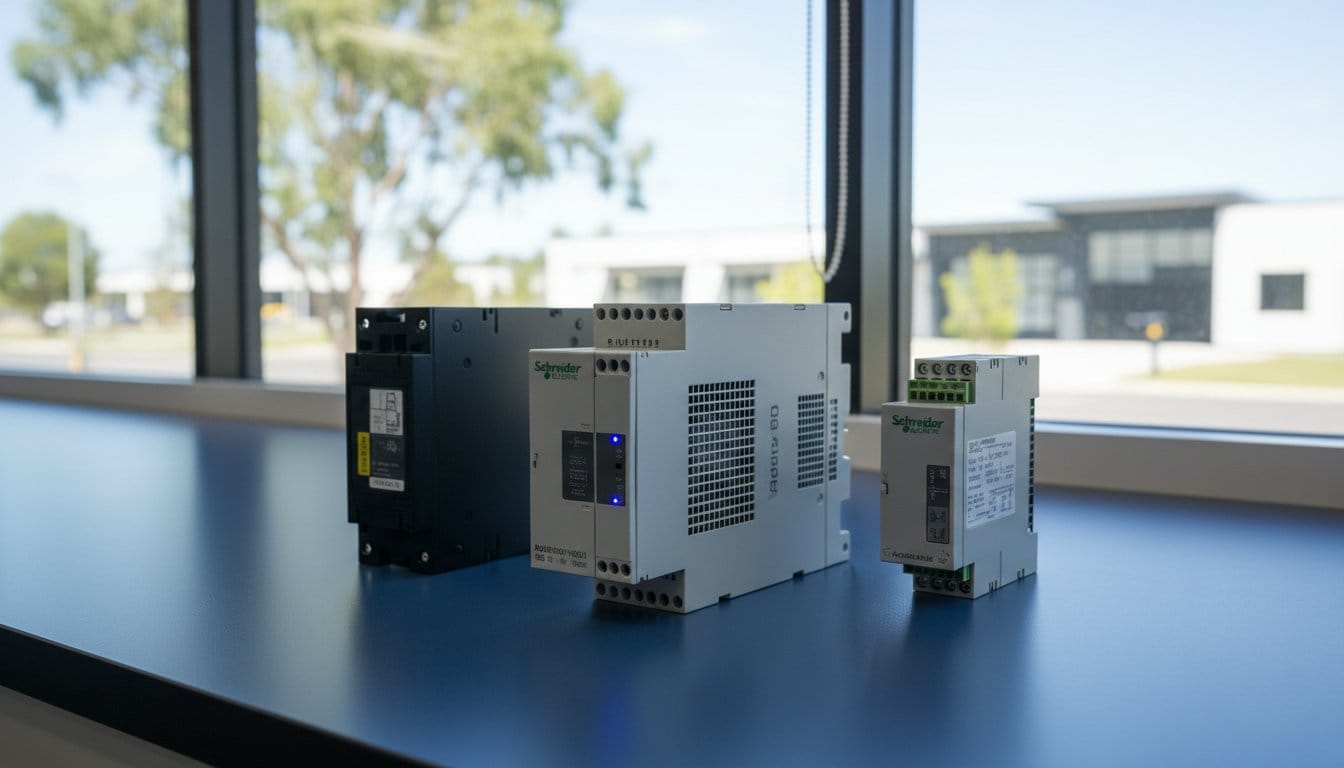
A soft starter reduces motor voltage during start-up using thyristors (SCRs), which limits inrush current and reduces mechanical shock to the drive train. Once the motor reaches full speed, the soft starter bypasses and the motor runs direct-on-line at full efficiency.

Key Soft Starter Advantages

  • Lower cost: Soft starters cost significantly less than equivalent-rated VFDs.
  • Simpler installation: Less wiring, no EMC filters required in most cases.
  • Smaller footprint: Compact units for panel space-constrained installations.
  • Bypass operation: Motor runs at full efficiency after starting — no drive losses.

VFD vs Soft Starter — Side-by-Side Comparison

FeatureVFDSoft Starter
Speed controlFull variable speed 0 to 100%+Full speed only (start and stop)
Energy savings at full speedMinor — drive losses applyExcellent — bypass mode
Energy savings at reduced speedExcellent — 30-60% on fans and pumpsNot applicable
Initial costHigherLower
Installation complexityHigher — EMC and harmonics to manageLower
BrakingYes — dynamic or regenerativeControlled stop only
Best forFans, pumps, conveyors needing speed controlConveyors, compressors, fixed-speed loads

Which Should You Choose?

Choose a VFD if:

  • Your process requires variable speed control
  • You have a centrifugal fan or pump where running below full speed saves energy
  • You need precise acceleration and deceleration profiles
  • You want closed-loop process control integrated with a PLC

Choose a Soft Starter if:

  • Your motor only needs to start and stop at full speed
  • Budget is the primary constraint
  • Panel space is very limited
  • You have a high-inertia load that needs controlled acceleration to reduce mechanical shock

VFDs and Soft Starters at InstroDirect

InstroDirect stocks Allen-Bradley PowerFlex VFDs and Schneider Electric Altivar drives at parallel-import pricing — typically 25-40% below standard Australian distributor rates. We also carry soft starters for fixed-speed applications. Contact our team for selection assistance or visit the online store to browse current pricing and stock.

Rockwell Automation Price List Australia 2026

Rockwell Automation products — including Allen-Bradley PLCs, variable frequency drives and I/O modules — carry some of the highest list prices in the industrial automation market. For Australian engineers and procurement teams, understanding how pricing works and where savings are available is essential for project budgeting.

Why Rockwell Automation Pricing Is High in Australia

Rockwell Automation sells exclusively through authorised distributors in Australia. Distributor margins, import duties, freight, and the relatively small size of the Australian market all contribute to pricing that is often 30-50% above North American list prices. Currency fluctuations add further variability.

InstroDirect Parallel Import Pricing

InstroDirect sources genuine Allen-Bradley products through authorised international channels — a practice known as parallel importing. This is fully legal in Australia under the Competition and Consumer Act and allows us to offer significant savings compared to standard local distributor pricing.

Typical Price Savings at InstroDirect

Product CategoryStandard AU DistributorInstroDirect Saving
ControlLogix 5580 CPUsFull RRP25-40% saving
CompactLogix 5380 CPUsFull RRP20-35% saving
PowerFlex 755 DrivesFull RRP25-40% saving
1756 I/O ModulesFull RRP20-35% saving
1769 CompactLogix I/OFull RRP20-30% saving

How to Get a Quote

To obtain pricing on specific Rockwell Automation part numbers, visit the InstroDirect online store or contact our team with your bill of materials. We respond to all quote requests within one business day.

What We Need for a Quote

  • Rockwell Automation part number (e.g. 1756-L83E, 22F-D045N104)
  • Quantity required
  • Required delivery timeframe
  • Delivery state or postcode

Are InstroDirect Products Genuine Rockwell Automation?

Yes. All InstroDirect stock is genuine, new Allen-Bradley product. We do not sell refurbished, repaired or counterfeit goods. Every item ships with original Rockwell Automation packaging and documentation.

Frequently Asked Questions

Does InstroDirect publish a full Rockwell price list?

We do not publish a static price list because Rockwell Automation pricing changes frequently. Our online store shows live pricing. For large orders or BOM quotes, contact us directly.

Can InstroDirect price match?

We are competitive on most Allen-Bradley lines. If you have a genuine quote from another supplier, contact us and we will do our best to match or beat it.

Is freight included in pricing?

Freight is calculated at checkout based on order weight and destination. We dispatch from Narangba QLD. Most metro orders arrive within 1-3 business days.

Back to Top
Product has been added to your cart
Compare (0)